Introduction
This project involved setting up a new e-commerce platform for Diligentia Uitgeverij. Although the development team consists of four members, I was solely responsible for this project due to the others being occupied with ongoing tasks.
The company had been using a basic, outdated platform that lacked many of the features modern e-commerce solutions offer. Today’s platforms provide enhanced capabilities in product management, streamlined payment and shipping options, customizable page design, customer relationship management, and more.
After researching various options, Magento 2 was selected as the most suitable platform. It offers a comprehensive suite of features necessary to build and maintain a fully functional and scalable webshop.
Note: Some of the screenshots include placeholder images and text to illustrate the potential layout and design of the platform.
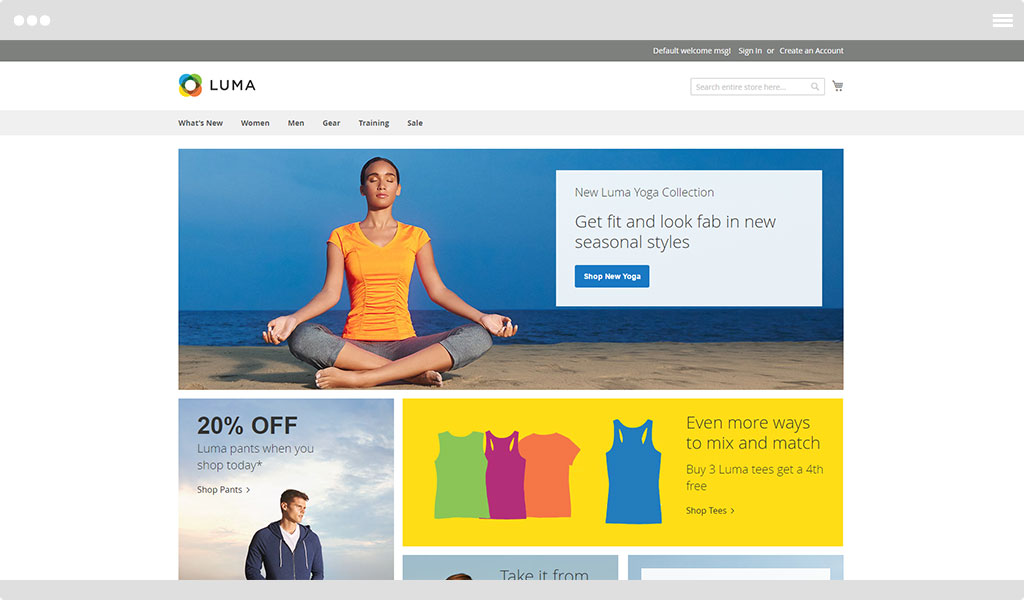
Magento 2 luma theme.
Comparization
Old
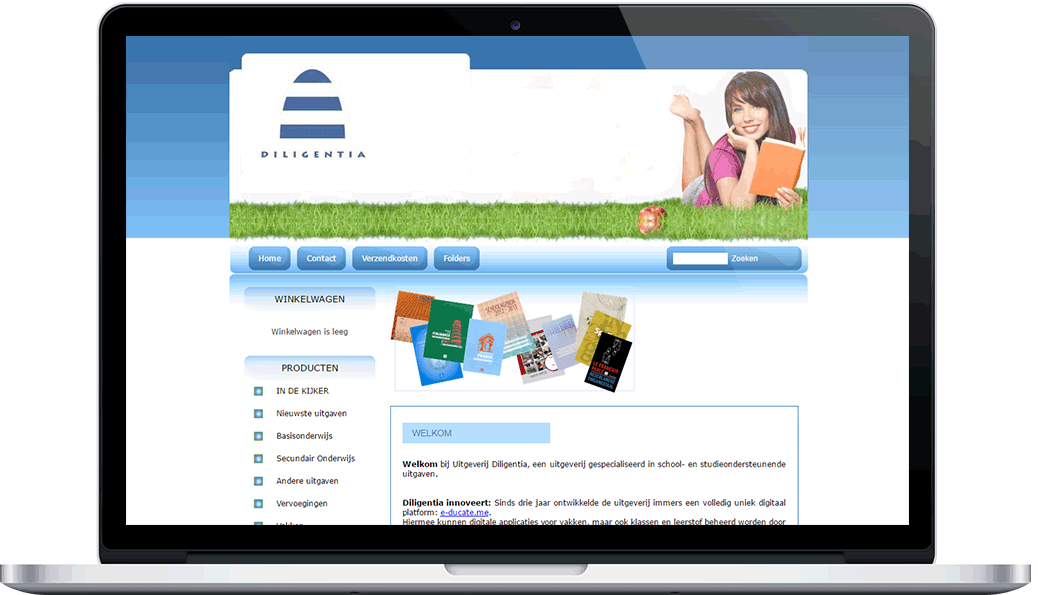
The old platform is custom written.
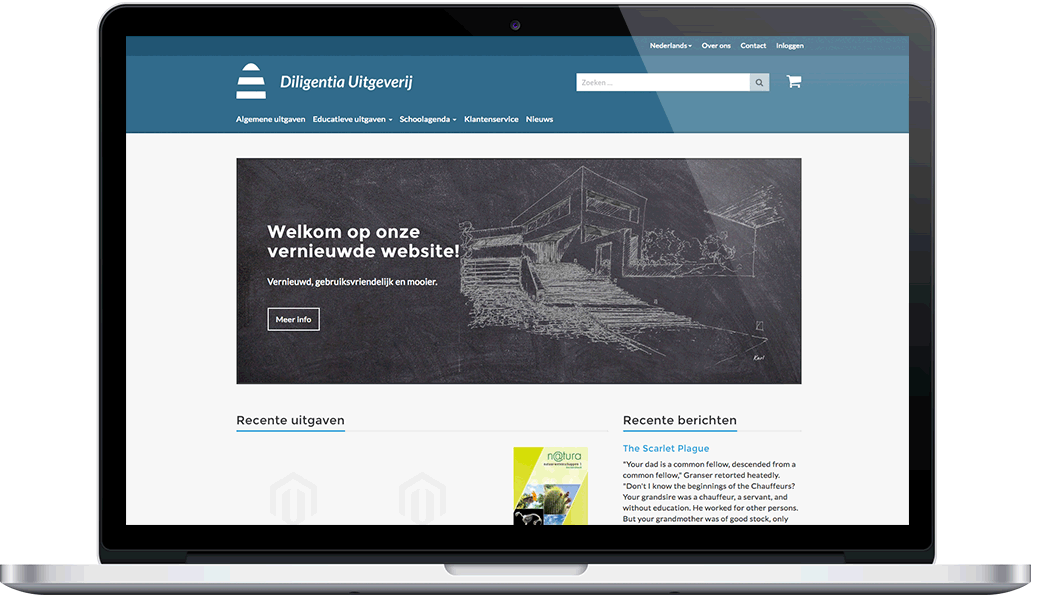
Workflow
Since Magento 2 was new to me, I broke the project down into manageable tasks to guide the webshop development process:
-
Gather Requirements
Meet with stakeholders to understand the functional and design needs. -
Research Best Practices
Analyze existing principles and study user-friendly and competitive webshops for inspiration. -
Create Initial Wireframes
Design simple wireframes in an editor (Photoshop) and gather feedback with the goal of surpassing competitor quality. -
Develop Final Design
Refine the design based on feedback, adding colors, placeholder text, and images to visualize the final look and feel. -
Build a Static HTML/CSS Prototype
Create a basic HTML and CSS version of the design to get a sense of how it would appear in a browser. -
Develop a Custom Magento Theme
Use the Magento 2 workflow to integrate the HTML/CSS into a fully functional Magento theme. -
Style All Customer-Facing Pages
Adjust and style every page a customer might encounter to match the final design. Some layouts were first sketched in Photoshop to gather feedback. -
Integrate Custom Modules
Develop and integrate custom features such as OAuth login, a FAQ section, and custom SMTP settings. -
Customize Third-Party Modules
Integrate and adapt third-party extensions to align with the overall design. -
Maintain the Magento Environment
Keep Magento 2 up to date throughout the development process to ensure compatibility and security. -
Incorporate Feedback
Gather user or stakeholder feedback during development and apply small adjustments as needed. -
Deploy the Final Webshop
Launch the final product with real data and content.
Magento templating
The color scheme is similar to the Educate.me project, with the exception of the accent colors, which in this case are light blue and yellow. This visual similarity was specifically requested by my employer to maintain a consistent brand feel across projects. For typography, I selected Montserrat for headings and Lato for body text to create a clean and modern look.
When I started, Magento 2 (v2.0.1) had just been released. It included a default "Blank" theme intended as a starting point for custom theme development. However, at the time, documentation on its grid system and built-in HTML/CSS structure was limited. To speed up development and work with a more familiar system, I chose to integrate Bootstrap v3. While not required for Magento 2, Bootstrap’s grid and components provided a solid and well-documented foundation that made the early stages of theme development more efficient.
Montserrat
- A
- B
- C
- D
- E
- F
- G
- H
- I
- J
- K
- L
- M
- N
- O
- P
- Q
- R
- S
- T
- U
- V
- W
- X
- Y
- Z
- 1
- 2
- 3
- 4
- 5
- 6
- 7
- 8
- 9
- 0
Lato
- A
- B
- C
- D
- E
- F
- G
- H
- I
- J
- K
- L
- M
- N
- O
- P
- Q
- R
- S
- T
- U
- V
- W
- X
- Y
- Z
- 1
- 2
- 3
- 4
- 5
- 6
- 7
- 8
- 9
- 0
Responsive design
Modern websites are expected to have a responsive design, and I wanted this principle to be applied consistently across the entire platform to ensure it adapts well to all screen sizes. Below are examples of the login page as it appears on tablet and smartphone devices.
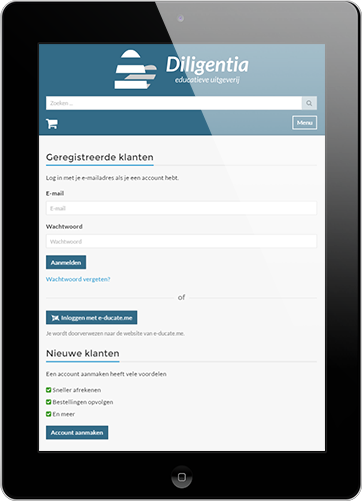
Tablet
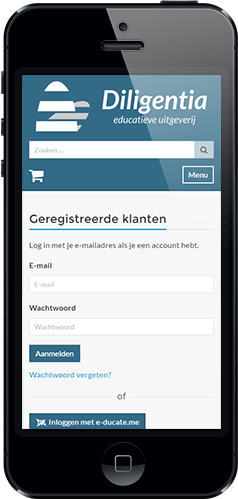
Smartphone
News module
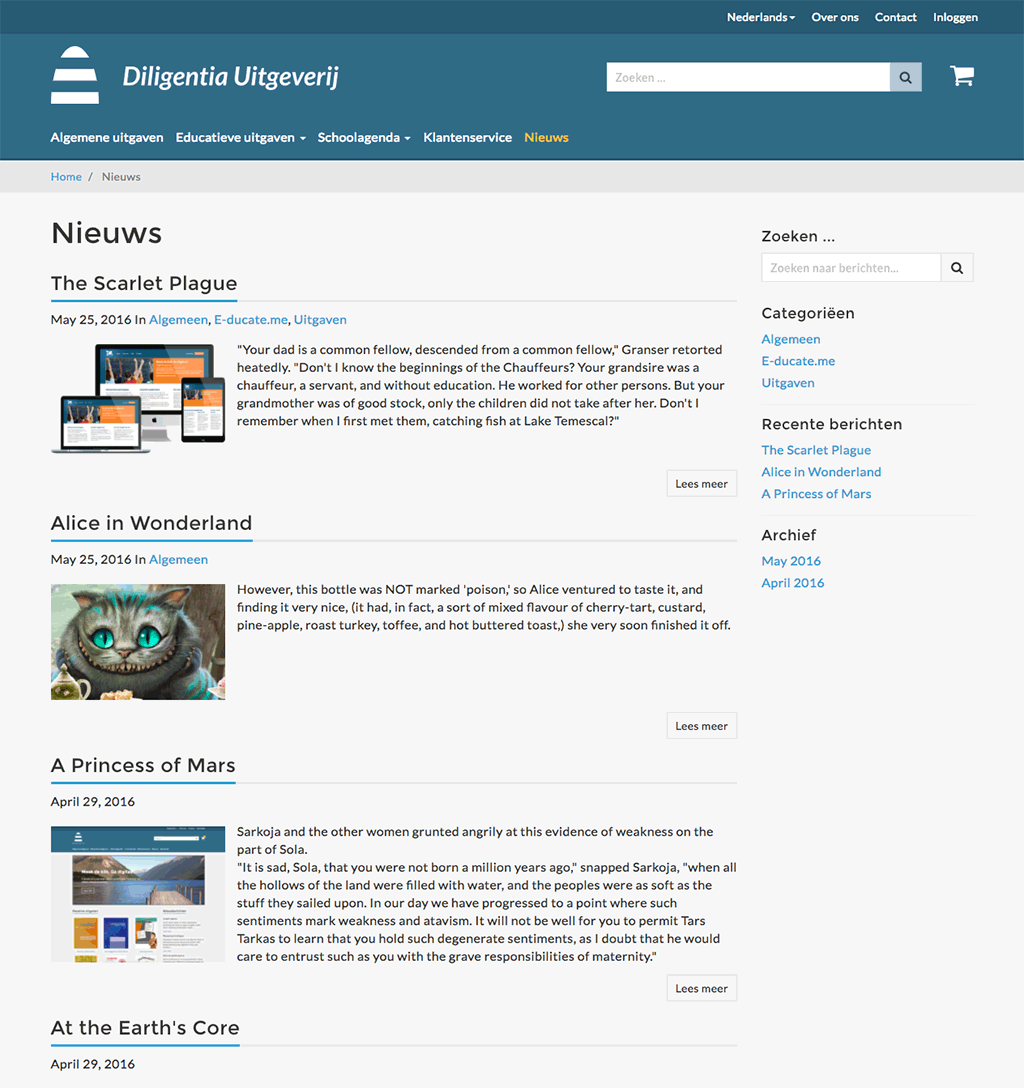
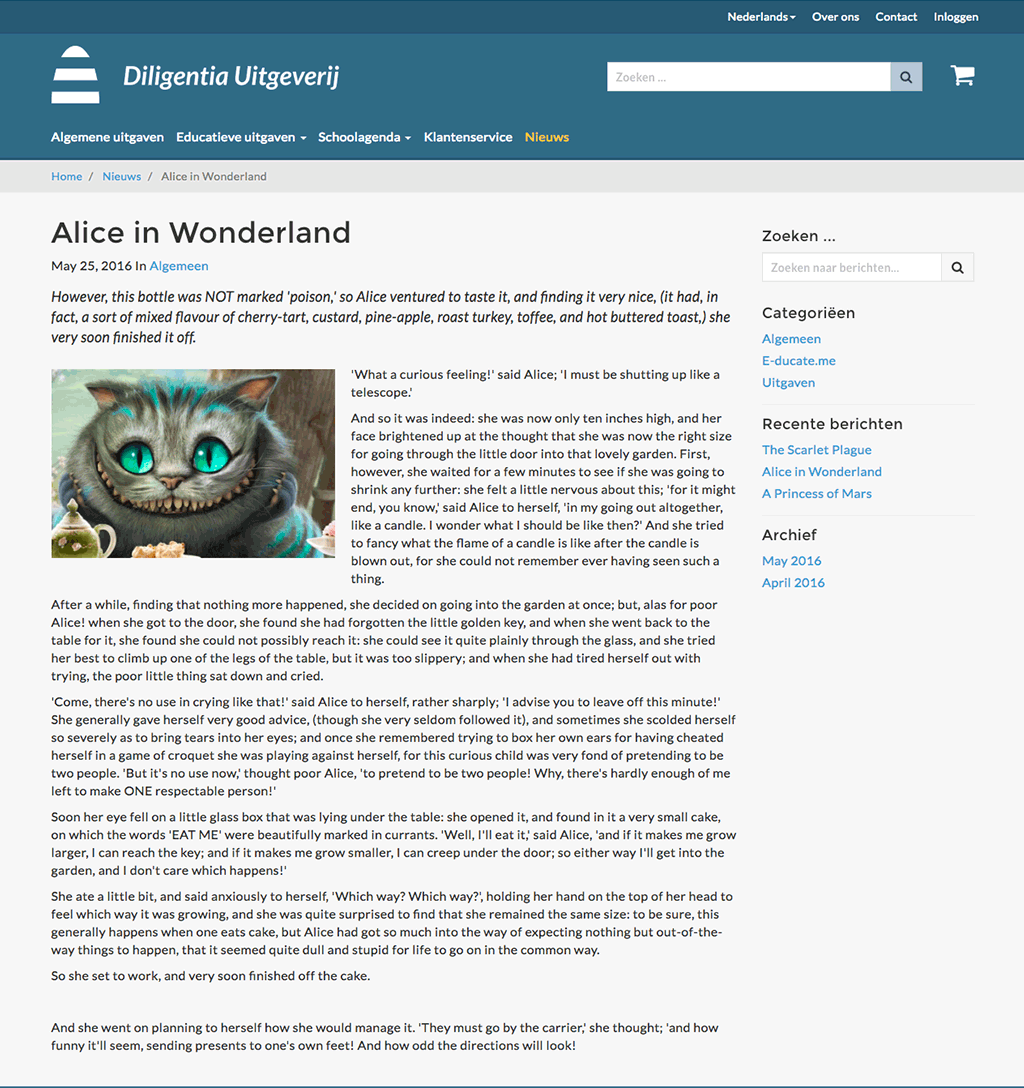
One of the project requirements was to integrate a module that allowed publishing informational messages to customers. Additionally, the latest messages needed to be displayed on the homepage. To meet this need efficiently, I selected a news module available on GitHub. This allowed for quick installation and customization, requiring only layout adjustments to match the existing site design.
Before implementing the solution, I created a visual mockup in Photoshop. This helped both my employer and me to clearly visualize how the feature would look and function. Once the design was approved, integrating it into the website went smoothly. The placeholder text shown in the screenshots comes from "Fillerati".
Customer service module
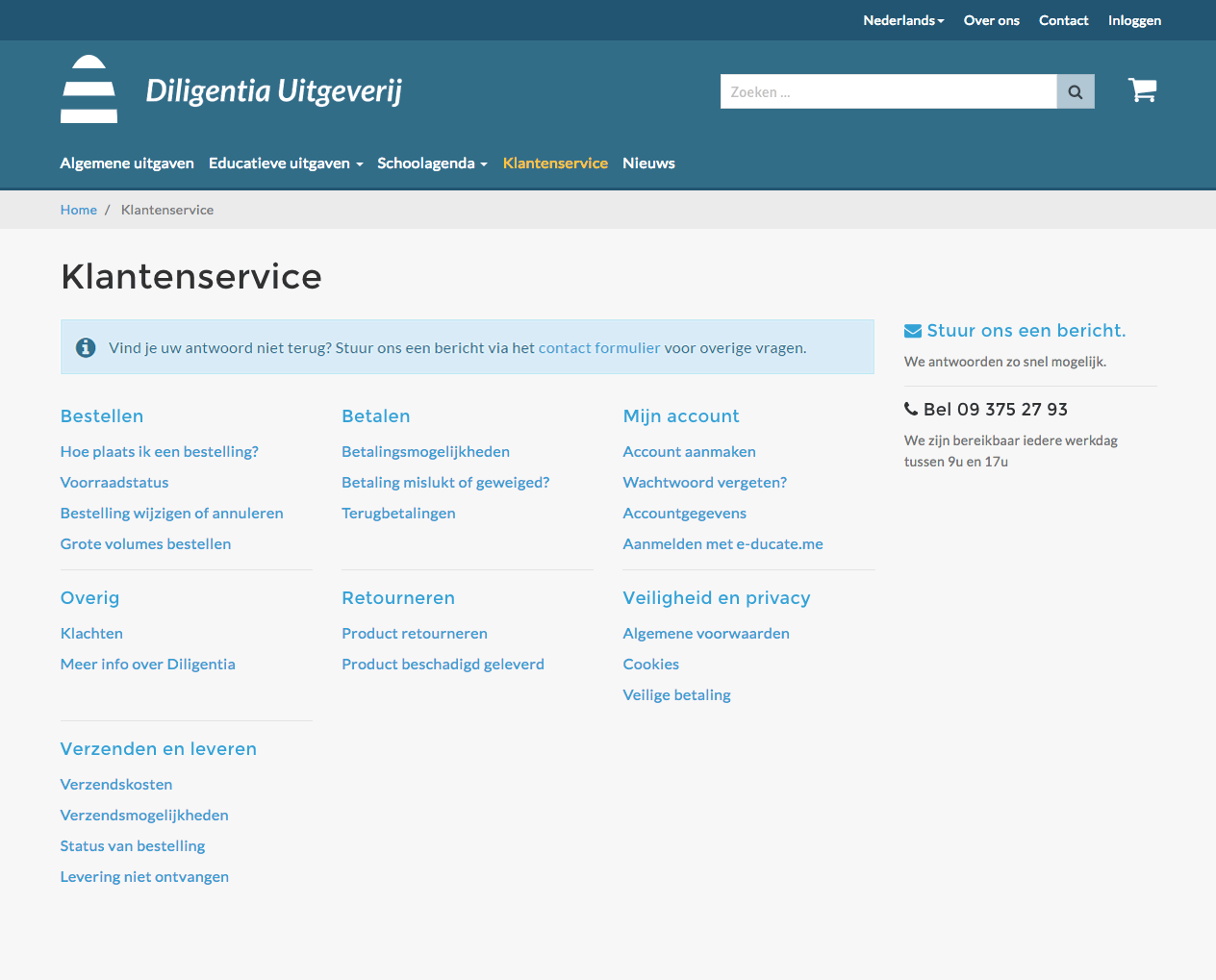
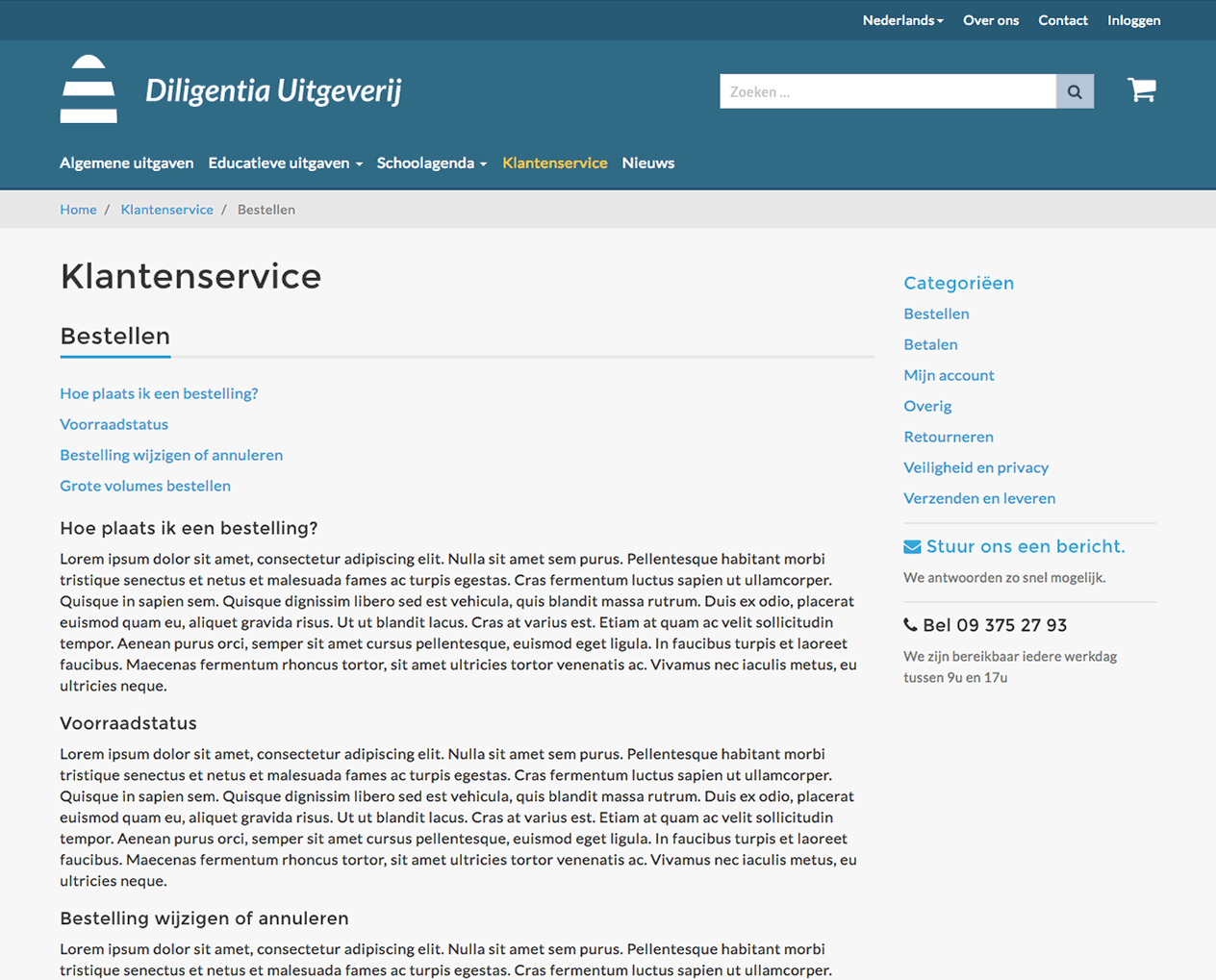
Customers often have questions about ordering, payment, delivery, and other processes, so it's essential to provide clear and accessible information. I explored a few options to implement this functionality.
One approach was to use Magento 2’s default CMS tools "Pages" and "Blocks" to manually create and manage content. However, this method is prone to user errors, lacks flexibility, and isn’t particularly user-friendly for administrators.
Instead, I chose to develop a custom module tailored to this purpose. After completing the design phase and gathering feedback, I began integrating both the frontend and backend components. The module is structured around categories and related topics, and it supports configuration per store view making it a scalable and organized solution for managing customer FAQs and support content.
Redesigned Magento pages
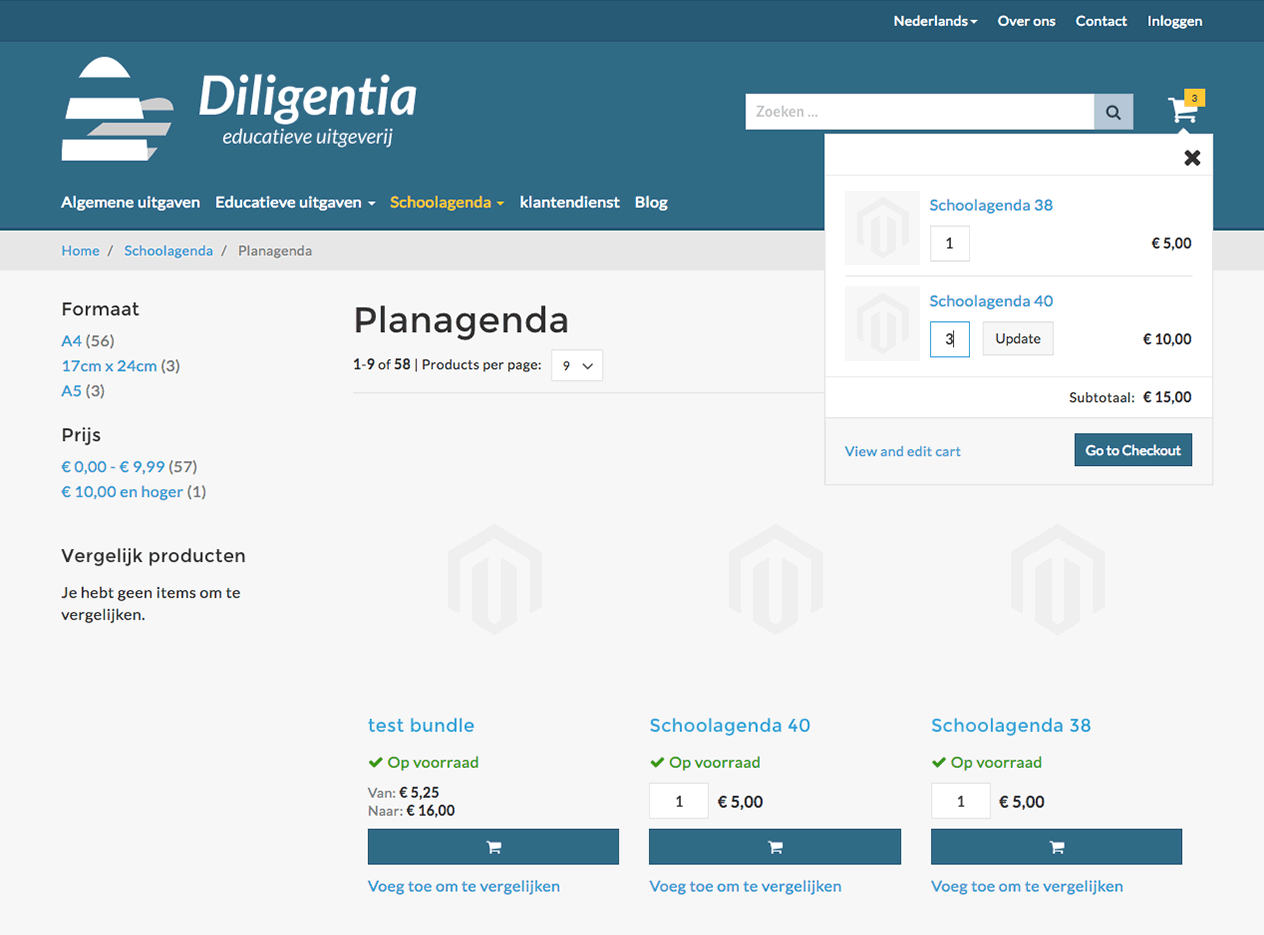
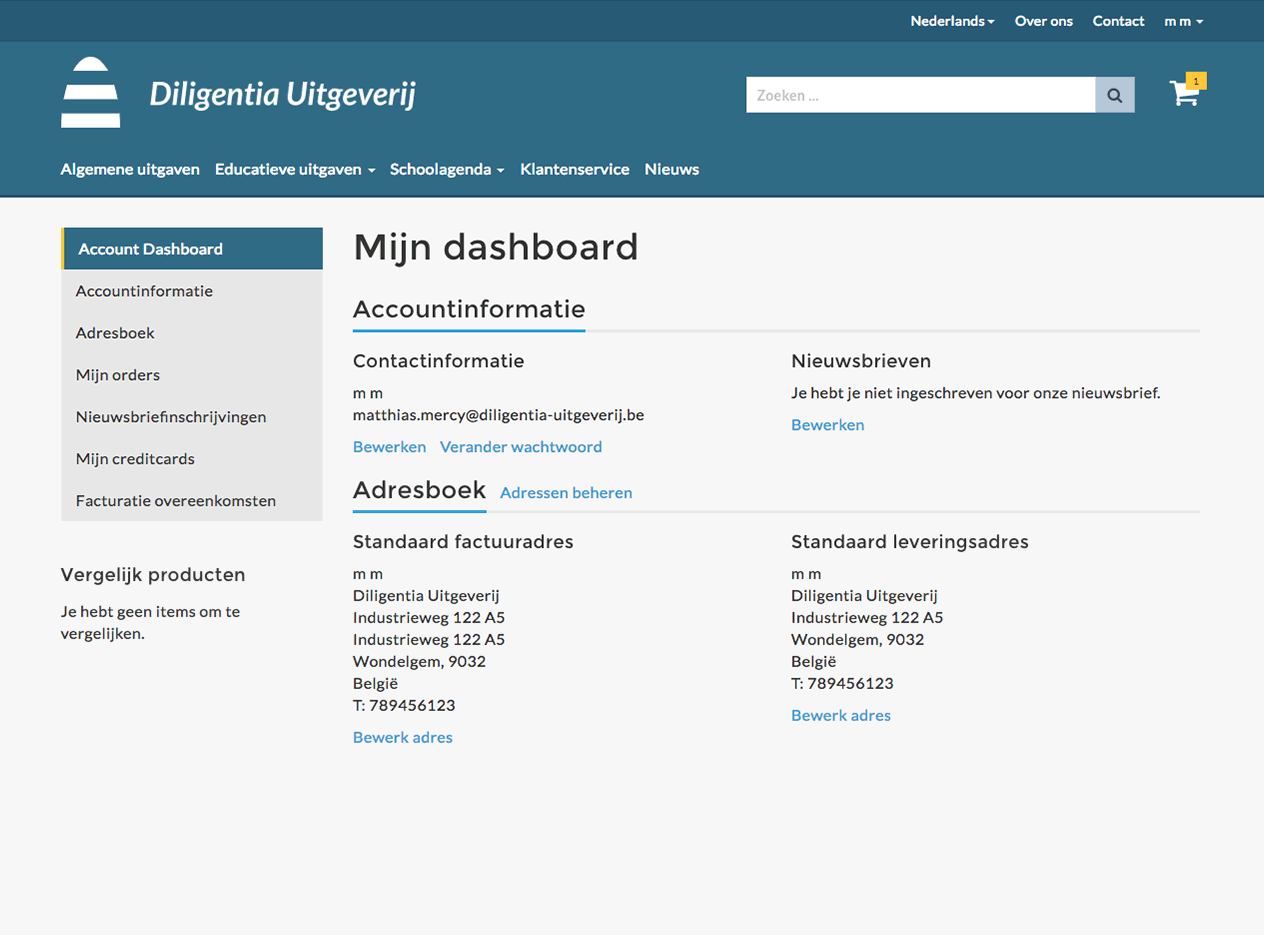
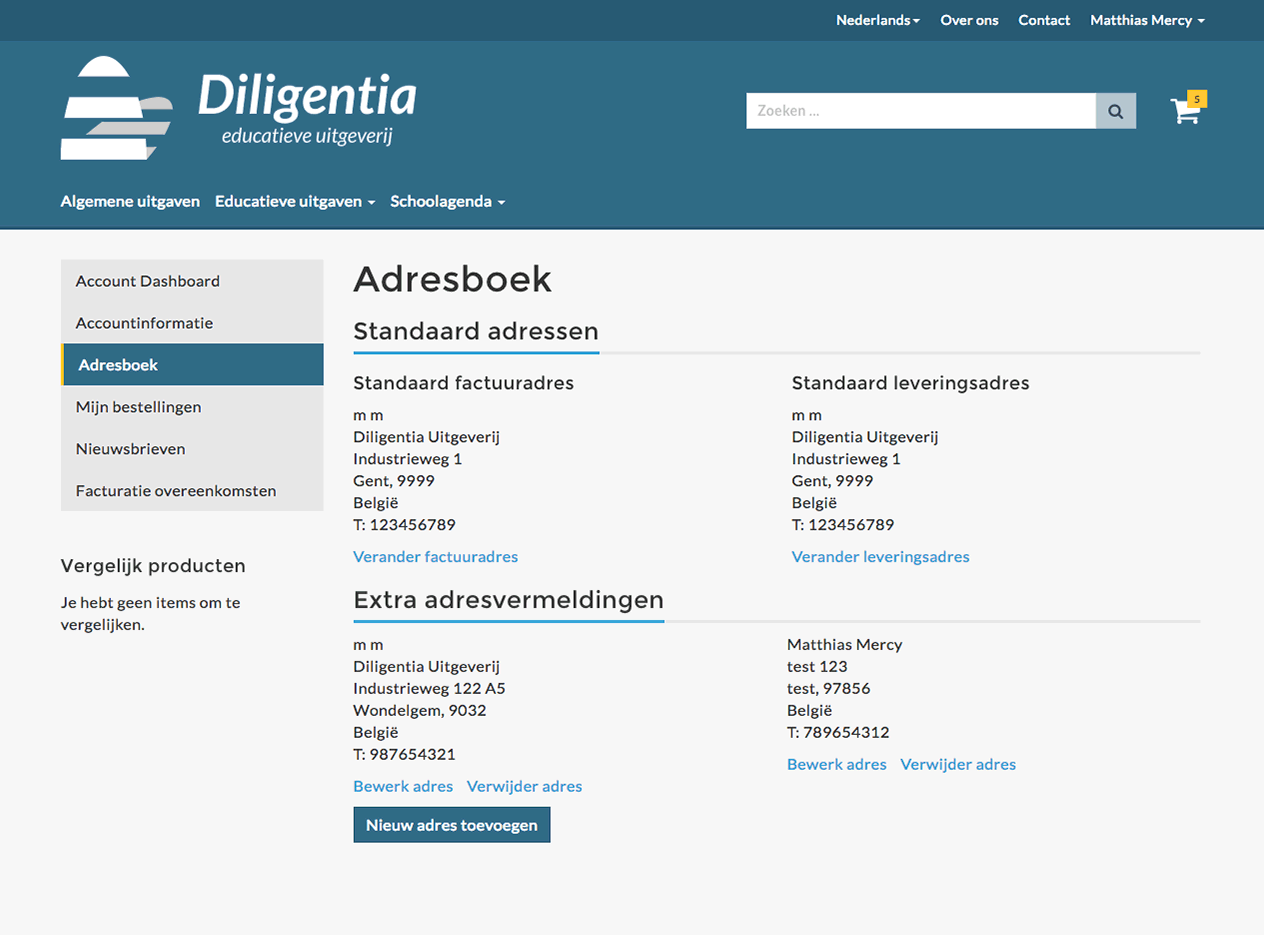
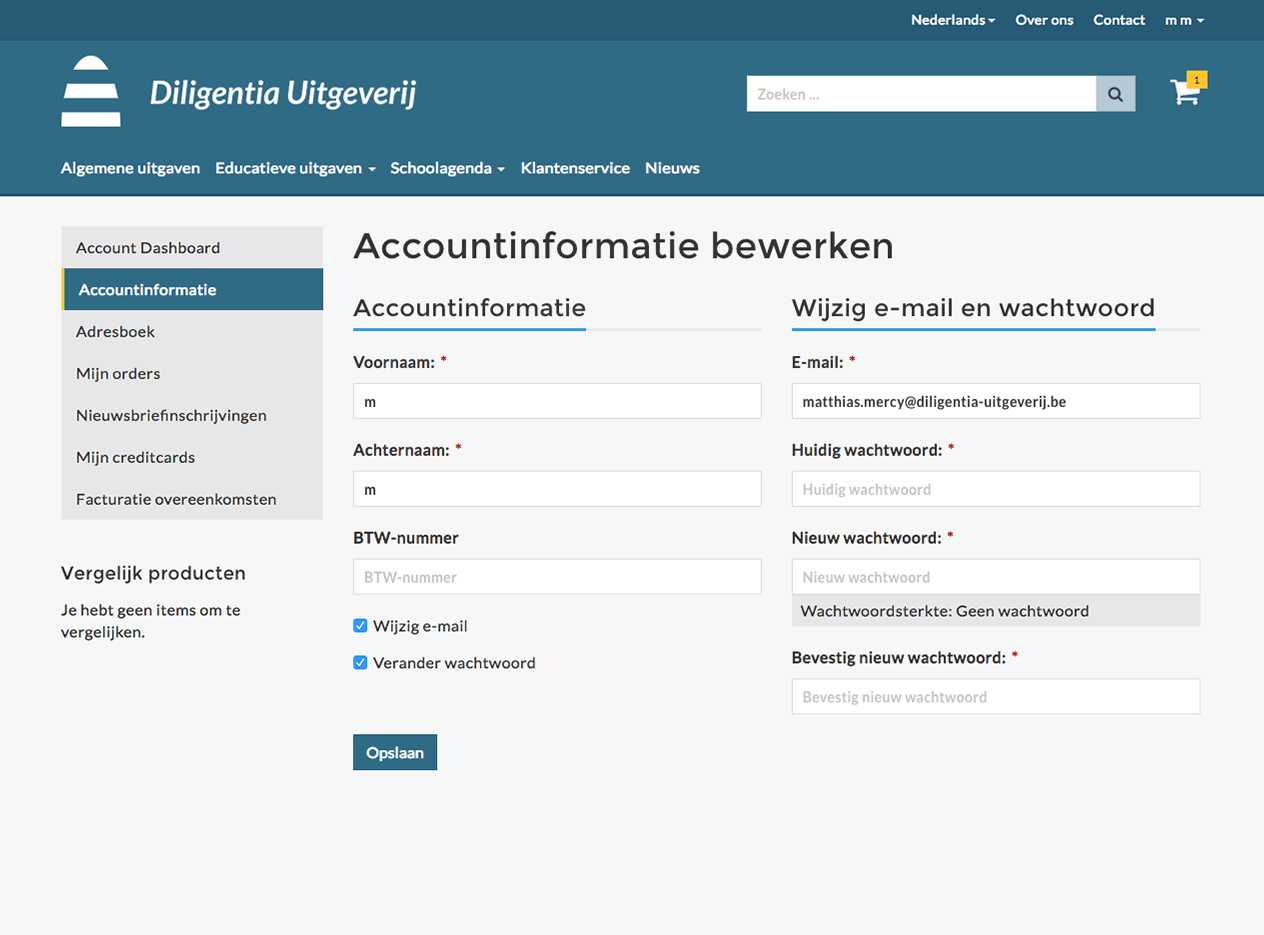
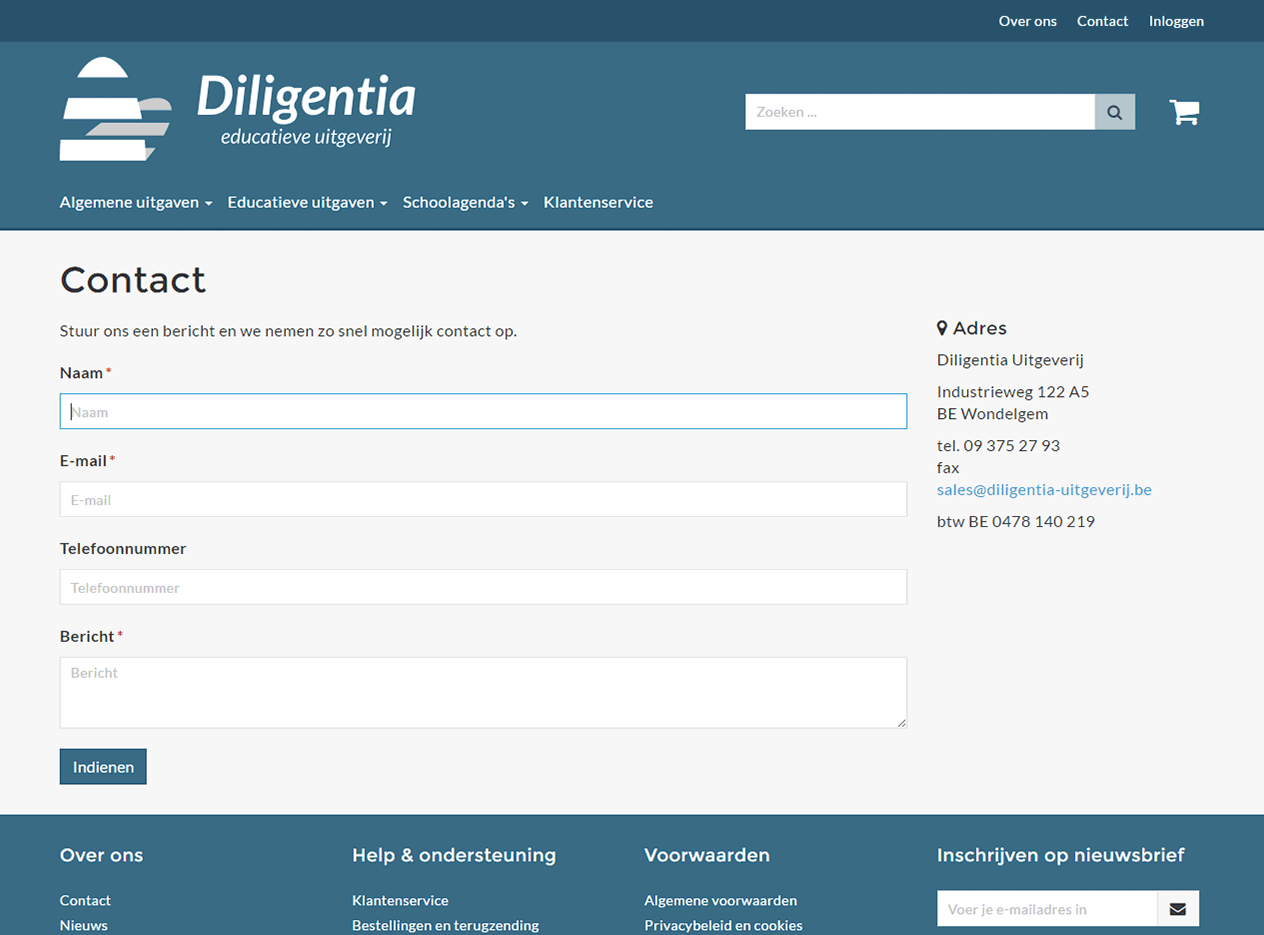
The following screenshots show pages that were redesigned to match the updated look and feel of the platform. The integrated theme is based on the Magento 2 Blank theme, which required adjustments to the HTML and CSS (LESS) to align with the new design.

Final notes
Creating a Bootstrap-based template and custom modules in Magento 2 was both a challenging and rewarding experience. In total, around 800 files were created or modified during the project. It's worth noting that at the time, Magento 2 was still plagued with its usual bugs and had limited documentation, which added complexity to the development process. Hopefully, these aspects will continue to improve over time. That said, Magento 2 remains one of the most comprehensive e-commerce platforms available, offering robust customization capabilities for developers.